
In the To field, type your recipient’s fax number @efaxsend.com.
You can even send an international fax — just include the country code before the area code in your address.
Now just attach the files you want to fax.
Enter a title in the email’s subject line, and type a message in the body. eFax Corporate converts this to your fax cover page.
When you’re ready, just click your email’s Send button to send your fax.
That’s it! Your recipient will receive your document as they would any standard fax.
eFax Corporate is the easiest and most secure way to manage your large-scale faxing.
Call Us: 888-532-9265
http://Enterprise.eFax.com
Popular Videos


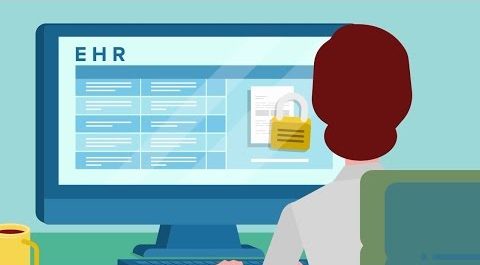
HIPAA Compliant Secure Faxing for Healthcare Providers | eFax Corporate
If you work in the healthcare industry…

Secure Online Faxing for Financial Companies | eFax Corporate®
As an IT pro working in the finance industry…
eFax Corporate® | The World’s Leading Internet Fax Service
http://Enterprise.eFax.com – Fax to Email…